SCP Ragdoll Weapons and Tools
Learn what each gadget does to dummies so every hit in SCP Ragdoll has a purpose.
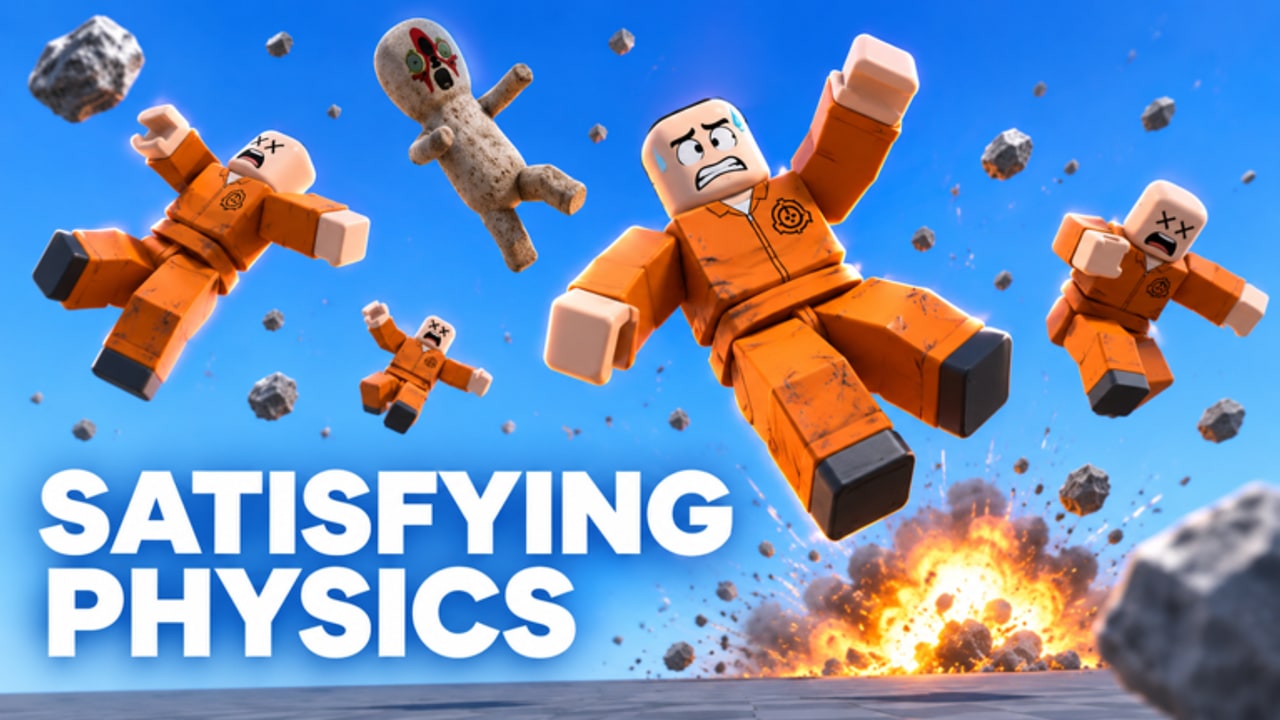
Tools are force multipliers in SCP Ragdoll. The sandbox already looks funny with bare-handed grabs, but tasers, impact toys, and revive options change pacing, camera chaos, and bone-break odds. This guide explains how to evaluate any gadget you find, how to run fair tests, and how tools connect to maps and zombies.
Read Getting Started and Controls first if throws still feel random. Rankings live on the Weapons tier list.
The tool evaluation checklist
Whenever you pick up something new, answer five questions:
- Does it apply impulse (launch), stun (freeze/flop), or state change (zombie)?
- Is the effect instant or delayed?
- Does it work better at range or in melee?
- Does it hide the ragdoll humor or highlight it?
- Can you repeat the same result five times in a row?
If you cannot repeat it, you do not understand it yet — keep testing on a flat pad before fancy ledges.
Bare hands still matter
Players rush tools and forget that grabs teach the physics baseline. Spend part of every session on:
- Drag-and-release throws
- Wall slams
- Ledge drops without gadgets
Those reps make it obvious when a tool is actually stronger — or just louder. Map choices for those drills are covered in Maps and environments.
Impact tools
Impact gadgets exist to amplify force. Use them when:
- You want faster bone breaks without extreme height
- You are filming punchy single-hit knockouts
- You are comparing recovery crawls after hard hits
Technique tips:
- Square up before swinging so the camera reads the hit
- Avoid swinging while sprinting; foot plant equals consistency
- Alternate left/right approach angles to see asymmetric flops
Tasers and stun toys
The official description calls out tasers specifically. Stun tools shine when you want an instant full-body flop without a long wind-up. They pair beautifully with crawl punchlines because the dummy often tries to recover in a ridiculous pose.
Deep taser and revive tactics continue in Zombies and tasers. On this page, remember only this: taser first for timing practice, zombie second for chaos.
Zombie revive as a “tool”
Revive is a state tool, not a damage tool. It changes the scene from static lab to active chase. Use it when:
- Your clip needs a second act
- You want to stress-test open plazas
- You are bored of one-and-done throws
Clear space before reviving. Cluttered rooms turn zombie tests into stuck-pathing footage.
Fair A/B testing method
To compare Tool A vs Tool B:
- Choose one map corner and one dummy stance.
- Hit with Tool A five times; note break rate and funny recoveries.
- Reset.
- Hit with Tool B five times from the same angle.
- Only then decide a winner for your personal tier list.
Write results into the Weapons tier list page notes mentally — S-tier should mean repeatable excellence, not one lucky clip.
Platform differences
- Desktop — best for precision tool swaps mid-combo
- Console — favor simpler tools until aim feels stable
- Mobile — large, forgiving hit tools beat tiny aim-dependent ones
- VR — physical swings feel great; start gentle to protect comfort
See Platforms and VR for device ergonomics.
Safety and account notes
Stick to in-game tools. If a video promises “unlock all weapons” via an executor, read Scripts before you touch anything. Scripted unlocks can break after UPD2 and risk your account.
Session plan: tools day
- 5 min bare-hand baseline throws
- 10 min impact tool comparison
- 5 min taser timing
- 5 min zombie revive in an open area
- 5 min notes → update your mental tier ranks
Use the printable structure on Tools if you like checkboxes.
Related reading
- Zombies and tasers
- Maps and environments
- Tier List Hub
- Codes for cosmetic or tool rewards when live
- Updates when a patch renames or rebalances gadgets
Frequently Asked Questions
Quick answers about SCP Ragdoll codes, physics, maps, and tools.
What tools does the official description mention?
Heavy impacts/falls for broken bones, tasers, and zombie revives. Exact inventory can grow after UPD drops — watch Updates.
Should beginners use tools immediately?
Learn bare-hand grabs first via Getting Started and Controls, then add tools.
Where is the weapon ranking?
See the Weapons tier list after you run fair A/B tests.
Do scripts unlock better tools?
Third-party scripts are risky and often break. Read Scripts before considering them.