SCP Ragdoll Controls for Every Platform
Master movement, grabs, throws, and camera so every ragdoll hit lands the way you intend.
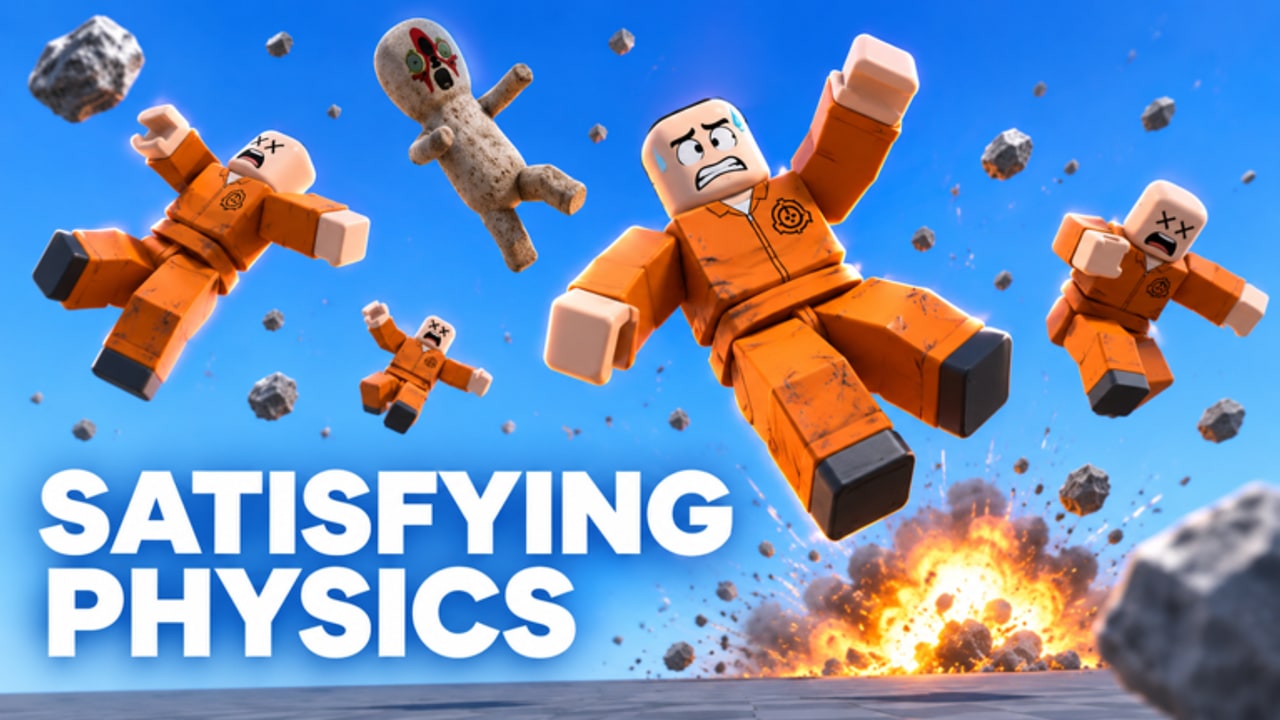
Clean physics in SCP Ragdoll starts with clean inputs. The sandbox rewards deliberate grabs, timed releases, and camera discipline more than button mashing. This page covers how to think about controls across Desktop, Console, Mobile/Tablet, and VR, then links into the rest of the wiki so you can practice with purpose.
New players should finish Getting Started first, then return here whenever a device swap makes throws feel wrong. Map-specific movement tips live in Maps and environments.
Control pillars
Every platform maps to the same four pillars:
- Locomotion — reach ledges, stairs, and prop piles without accidental falls.
- Targeting — keep the dummy centered before you grab or strike.
- Force application — decide light nudge versus heavy slam before you release.
- Recovery — recenter the camera after a big flop so the next experiment starts clean.
If a session feels sloppy, isolate which pillar failed instead of blaming the physics alone.
Desktop (keyboard and mouse)
Desktop remains the precision choice for clip creators.
- Use standard Roblox move keys (WASD) and mouse look.
- Lower mouse sensitivity slightly when practicing ledge drops; over-flicking wastes height setups.
- Bind or remember the jump key for micro-adjustments on rails and crates.
- After a grab, step backward a half second before release to add horizontal velocity.
- When testing bone breaks, approach the ledge perpendicular to the edge so the dummy clears the lip.
Desktop also makes inventory switching faster when you rotate through tools covered in Weapons and tools.
Console controllers
Controllers shine for comfortable long sessions but need sensitivity tuning.
- Drop look sensitivity until fine aim on a standing dummy feels stable.
- Use soft trigger presses for grabs if your layout supports analog interact.
- Avoid sprinting into grabs; plant your feet, then pull.
- Recenter the camera with the right stick after ragdoll cameras whip around.
- Practice the same throw five times — muscle memory matters more on sticks than on mouse.
If you bounce between console and PC, keep a short note of your preferred sens so Players sessions stay consistent.
Mobile and tablet
Touch controls can feel great once you stop fighting the UI chrome.
- Play in landscape for wider camera arcs through facility halls.
- Increase virtual joystick size if your client allows it.
- Use two thumbs: left for move, right for look, and commit to a grab only when the dummy is large on screen.
- Prefer open yards over tiny catwalks until your drag tracking is solid.
- Take breaks — thumb fatigue creates accidental releases that look like physics bugs.
Mobile is excellent for quick zombie chaos tests described in Zombies and tasers because you can jump in for five-minute experiments.
VR comfort and control
VR makes ragdoll impacts feel immediate, which is both the appeal and the risk for motion comfort.
- Enable comfort options (vignette, teleport if available) before long sessions.
- Start with gentle underhand tosses at waist height.
- Keep a clear play space; stepping into furniture mid-grab ruins timing.
- If the camera follows a spinning torso too aggressively, pause and reset orientation.
- Short 10–15 minute VR blocks beat marathon sessions for learning force thresholds.
Deep device notes continue on Platforms and VR.
Grab, drag, and throw technique
Treat every grab as a three-beat action:
- Acquire — face the dummy squarely; avoid grabbing while strafing at full speed.
- Load — drag backward or upward to store momentum.
- Release — let go at the peak of your motion so the ragdoll carries energy into walls or floors.
Common failure modes:
- Releasing while still walking forward (dummy flops at your feet)
- Looking at the sky during release (you lose spatial feedback)
- Spamming grab after a faint (you interrupt crawl comedy)
When you want structured drills, use the checklist on the Tools page.
Camera discipline
Ragdoll cameras can whip when bodies cartwheel. Build a habit:
- After each big impact, stop moving for one second and re-frame the subject.
- Keep the horizon level before the next throw so height reads correctly.
- On narrow maps, hug walls with the camera slightly elevated to see crawl paths.
Good framing also helps when you compare tools for the Weapons tier list.
Accessibility and session health
- Lower motion blur / camera shake in Roblox settings if impacts feel harsh.
- Use headphones at moderate volume; sudden ragdoll impacts can spike audio.
- Stretch wrists between sets of throws.
- Alternate high-intensity zombie rounds with calm map walks.
Practice plan (20 minutes)
- Five minutes of walk + look on your current device with no tools.
- Five minutes of grab-drag-release on flat ground.
- Five minutes of ledge drops for bone-break timing.
- Five minutes of taser taps, then reset — details in Zombies and tasers.
Log what felt off, then revisit this page after the next Updates drop in case bindings or camera behavior change.
Related reading
- Getting Started for the full first-hour loop
- Maps and environments for where controls matter most
- Guides Hub for every tutorial
- Codes if you need soft rewards between practice sets
Frequently Asked Questions
Quick answers about SCP Ragdoll codes, physics, maps, and tools.
What is the best platform for precise throws?
Desktop mouse and keyboard usually win for precision. Console and VR feel great for immersion once sensitivity is tuned — see Platforms and VR.
Why do my throws feel weak?
Plant your feet, drag backward to load momentum, then release at the peak. Practice on flat ground before ledges. Pair with Getting Started.
Does VR change the controls a lot?
VR keeps the same verbs (move, grab, throw) but comfort settings and physical space matter. Read Platforms and VR.
Where should I practice after learning controls?
Open Maps and environments and run the drills listed on Tools.