Getting Started in SCP Ragdoll
A clear first-hour plan for the Roblox physics sandbox from ragdoll games )))
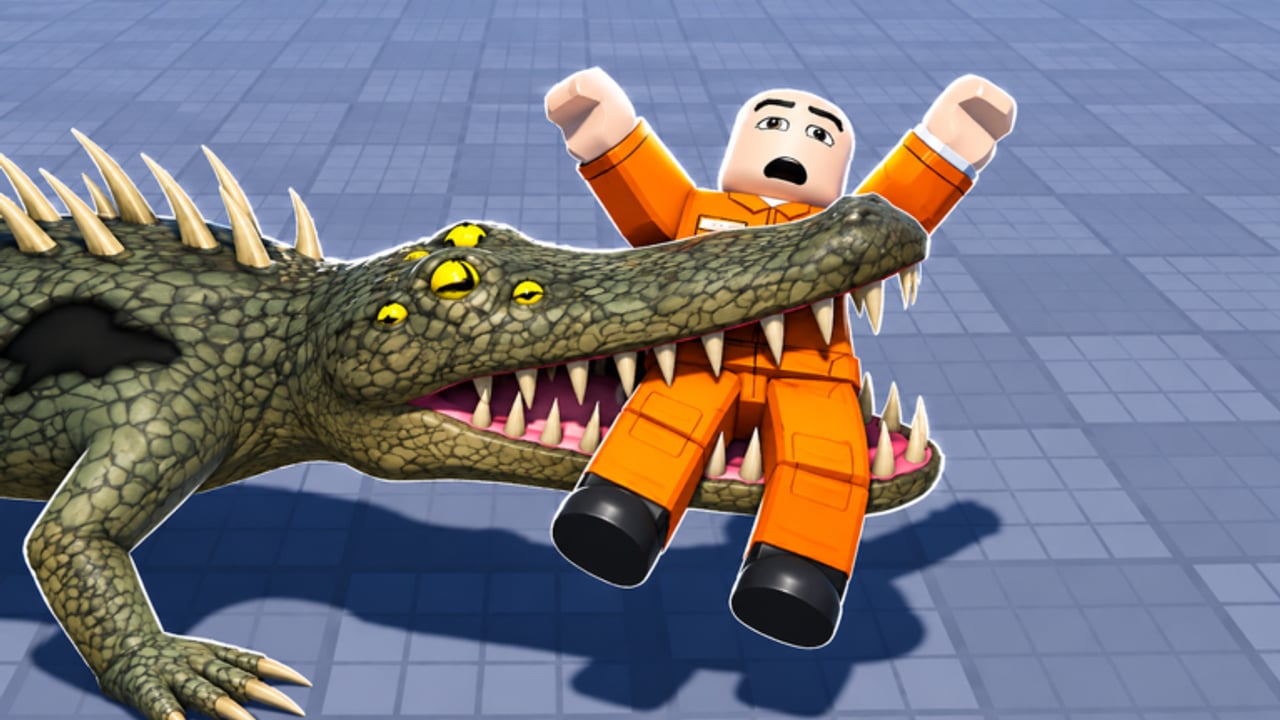
SCP Ragdoll is a free Roblox physics sandbox from the group ragdoll games ))). You join a solo instance, spawn inside an SCP-styled facility, and experiment on limp dummies that stumble, faint, crawl, and break bones when impacts hit hard enough. This guide gets you from first join to confident chaos without wasting the opening session.
If you only open three pages today, use this walkthrough, then jump to Controls and the Maps and environments guide. When you want freebies or patch context, keep Codes and Updates bookmarked.
Join the experience
- Open the official place [UPD2] SCP Ragdoll on Roblox (place id
110192533221844). - Press Play and wait for your private instance. Servers are solo-focused, so you will not share the room with random players.
- Land, look around, and note exits, ledges, props, and dummy spawn points before you start swinging tools.
- Confirm your platform: Desktop, Console, Mobile/Tablet, or VR all work, but camera and grab feel different on each — details live on Platforms and VR.
The listing tags the genre as Simulation / Physics Sim. Treat the session like a lab: change one variable at a time (height, tool, map corner) so you learn how the ragdoll system reacts.
First ten minutes checklist
Spend the opening minutes on fundamentals instead of rushing every tool:
- Walk the nearest corridor and mark tall drops. Height is the fastest teacher for bone-break physics.
- Grab a dummy, drag it a few steps, then release. Watch stumble and crawl recoveries.
- Try a light shove versus a heavy slam into a wall. Soft hits wobble; hard hits flop and can break bones.
- Reset a dummy if the place offers a refresh action, then repeat the same throw from a second angle.
- Open your inventory or tool tray and identify the taser before you fire it into a crowd of props.
Once those basics feel natural, skim Weapons and tools and Zombies and tasers so you know what each gadget is for.
How the core loop works
Every satisfying clip in SCP Ragdoll comes from the same loop:
- Select a subject — usually a dummy standing or sprawled in the facility.
- Apply force — grab, throw, bat, shoot, tase, or drop from a ledge.
- Read the reaction — stumble, faint, crawl, bone break, or full ragdoll collapse.
- Escalate — move to a taller map feature, denser prop pile, or zombie revive for a second wave of chaos.
Because instances are solo, you can rehearse the same stunt until the timing is clean. That makes the game excellent for short creative sessions and for learning physics feel before you record clips.
Map awareness for beginners
UPD2 advertises multiple maps with unique environments. You do not need to master all of them on day one. Pick one layout and learn:
- Safe floors for practice throws
- Stairwells and rooftops for high-impact falls
- Tight rooms where ragdolls pin against walls
- Open yards where crawls and zombie chases have space
The Maps tier list ranks spaces by experiment value once you have sampled a few. Pair that with the narrative tour in Maps and environments.
Tools you should unlock mentally early
Even before you chase every unlock, know these verbs from the official description:
- Heavy impacts / falls — primary path to broken bones
- Tasers — instant stun flops with exaggerated physics
- Zombie revive — bring dummies back for chase-style chaos
Use the Weapons tier list after you have tried each tool once so rankings match your own feel. For structured sessions, the Tools hub has a printable experiment checklist.
Platform tips in the first hour
- Desktop — mouse aim and keyboard movement give the most precise throws.
- Console — lower sensitivity for grabs; practice camera recentering after big ragdolls.
- Mobile / Tablet — use larger touch targets; avoid tiny ledge teeters until you have grip confidence.
- VR — start with gentle tosses; comfort settings matter when dummies fill the view. See Platforms and VR.
After the tutorial hour
- Redeem anything listed on Codes if the group posts a new string.
- Skim UPD2 notes so you know what the current build emphasizes.
- Compare community loadouts on the Tier List Hub.
- If you explore executors, read the safety notes on Scripts first — this place is new and scripts break often.
- Return to this page whenever a patch changes spawn flow or tool names.
Common beginner mistakes
- Throwing from ground level only, then wondering why bones rarely break — add height.
- Firing the taser before learning grab physics — you lose the feel of manual throws.
- Hopping maps every two minutes — stay on one layout until reactions feel predictable.
- Ignoring crawl recoveries — crawls create the funniest second beats after a faint.
- Expecting lobby multiplayer chaos — this sandbox is built around private instances.
What success looks like
By the end of session one you should be able to:
- Spawn and orient inside the facility without menu confusion
- Grab, drag, and throw a dummy with intentional force
- Produce at least one clear bone-break from a high fall
- Locate the taser and understand zombie revive as a second phase
- Name one favorite map corner for future experiments
When those boxes are checked, you are ready for deeper pages across the Guides Hub and for creative goals on the Players Hub.
Frequently Asked Questions
Quick answers about SCP Ragdoll codes, physics, maps, and tools.
Is SCP Ragdoll free to play?
Yes. The Roblox experience is free. Optional community scripts or third-party tools are separate and always optional — see Scripts.
Can friends join my server?
Instances are solo-focused (max players 1 at research time). Share clips or tips instead of expecting a shared lobby. Platform details are on Platforms and VR.
What should I do first after spawning?
Walk the nearest area, practice grabs and throws, then add height for bone breaks. Follow this guide, then open Controls.
Where do I learn maps and tools next?
Read Maps and environments, then Weapons and tools and Zombies and tasers.
How do I stay updated after UPD2?
Check Updates and UPD2 notes, and watch Codes whenever the group posts rewards.